
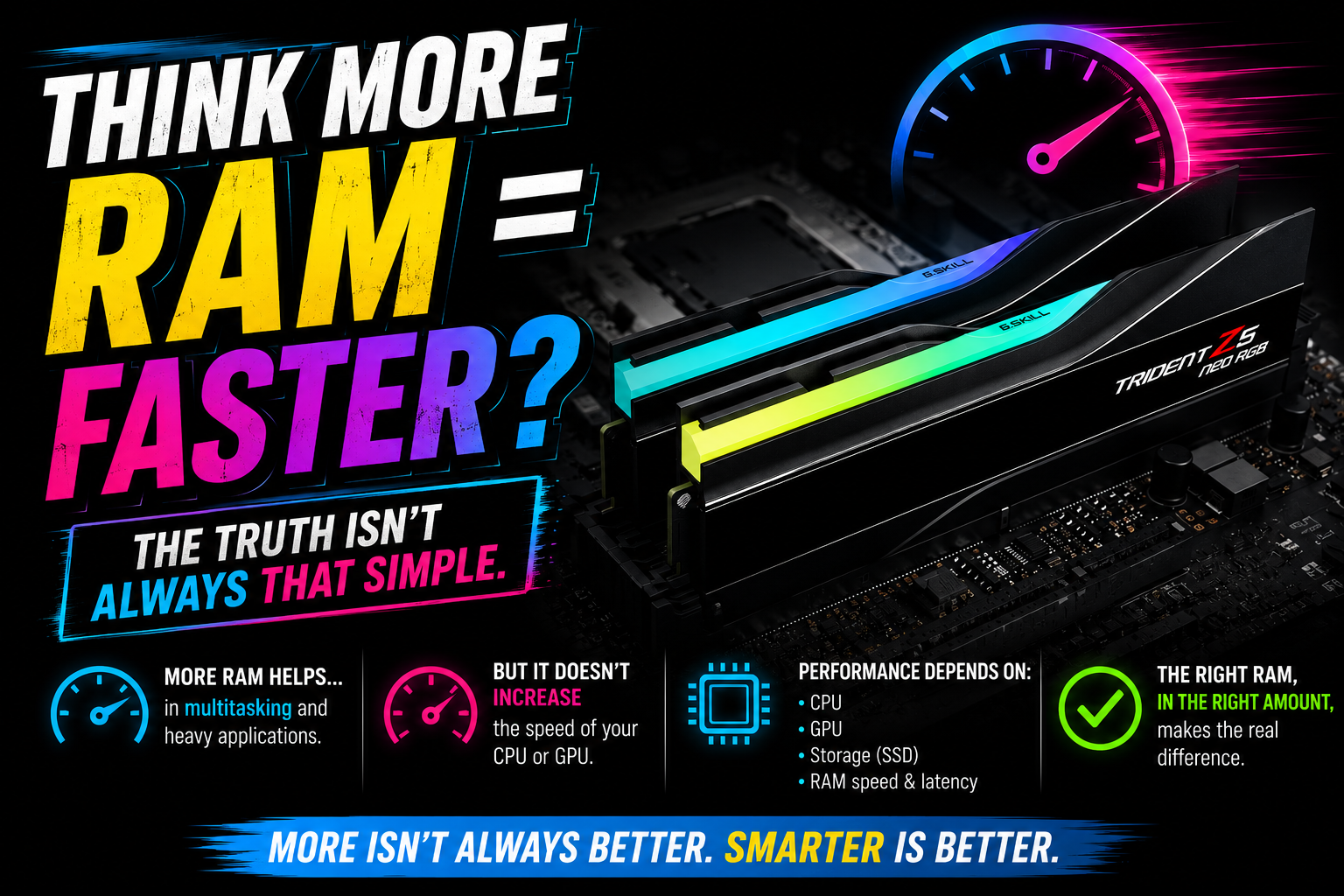
What RAM Actually Does
Random Access Memory is your computer's temporary workspace. Programs keep the data they are actively using in RAM because it is dramatically faster than pulling everything from an SSD or hard drive.
Think of the PC like a workbench: storage is the cabinet, RAM is the bench space, and the CPU is the person doing the work. A bigger bench helps when the bench is crowded. It does not automatically make the worker faster.
The rule is simple: more RAM helps when you are running out of RAM. Past that point, extra capacity mostly sits there looking expensive.
When More RAM Makes a Real Difference
Extra memory helps when your system constantly runs out of available memory and starts leaning on the page file. Even a fast SSD is much slower than RAM, so that swap can cause stutter, lag, and long waits.
- Video editing, Photoshop, 3D rendering and CAD work.
- Running virtual machines or developer environments.
- Hundreds of browser tabs, especially with heavy web apps.
- Gaming while streaming, recording or keeping Discord, OBS and browsers open.
- Large Excel files and professional workstation loads.
When More RAM Will Not Help Much
If your normal usage only reaches 8GB to 12GB, upgrading from 16GB to 64GB will not magically improve boot times, email, basic Office work, YouTube, or most light browsing. Unused RAM is simply unused hardware.
The upgrade money may be better spent on an SSD, a better GPU, a stronger CPU, or cleaning up startup apps. That is the unsexy answer, but it is usually the honest one.
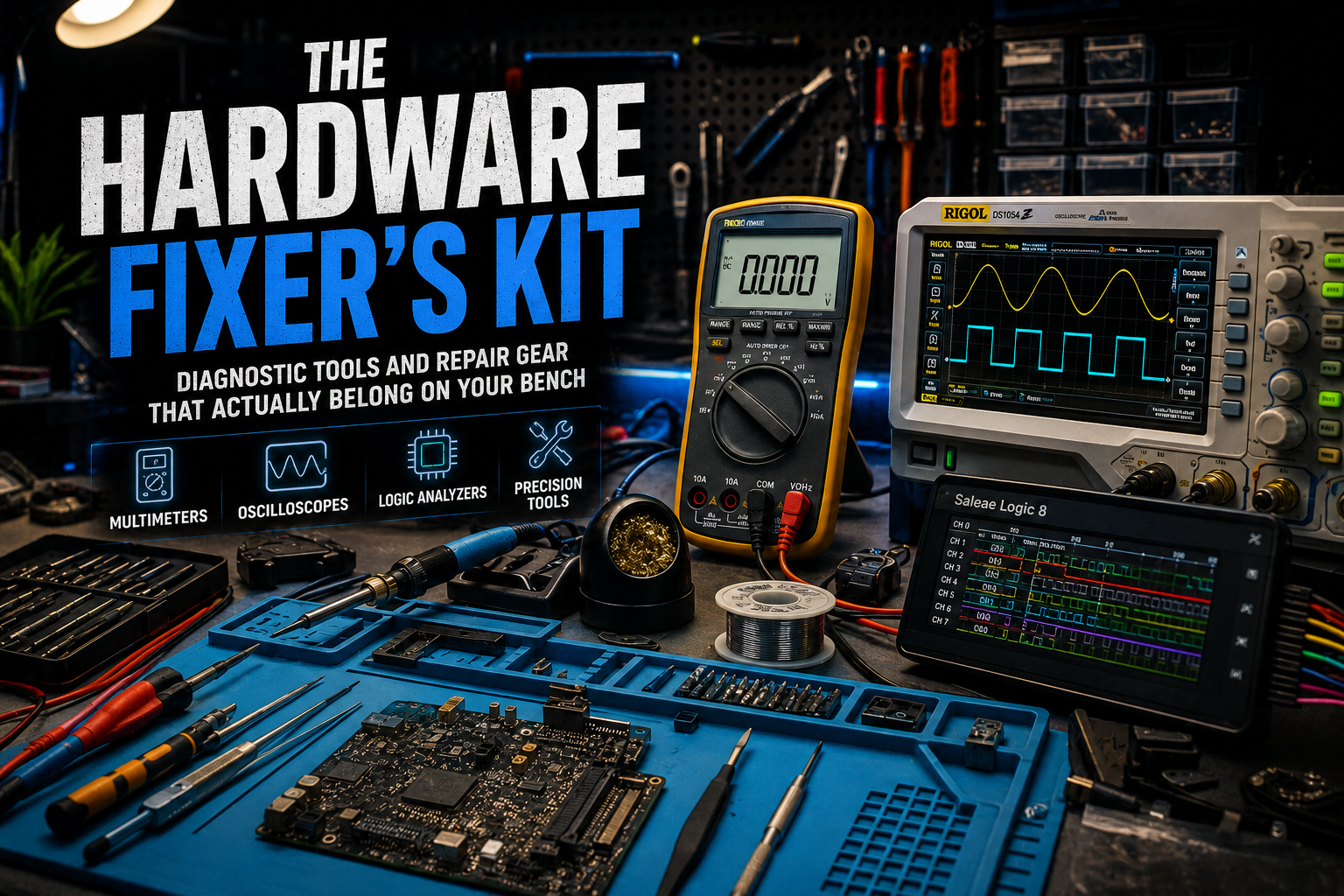
Recommended article
The Hardware Fixer's Kit
If you are upgrading, repairing or diagnosing PCs, the next useful step is knowing which tools actually help you confirm the problem before buying parts.
Read postGaming: Does More RAM Increase FPS?
Not usually. For many current games, 16GB still works. A 32GB setup is the sweeter spot if you multitask, stream, mod games, or keep a lot open in the background. 64GB is mostly for creators and professional workloads unless a specific game or mod pack demands it.
If the graphics card is the bottleneck, more RAM will not raise frame rates. If the CPU is struggling, more RAM will not turn it into a new chip. RAM is part of the system, not a cheat code.
More RAM vs Faster RAM
Capacity and speed are different upgrades. Capacity means moving from 16GB to 32GB or 32GB to 64GB. Speed means DDR4-3200, DDR5-5600, DDR5-6000, timings, and memory bandwidth.
Faster RAM can help some systems, especially integrated graphics and certain CPU-bound games, but the gains are usually smaller than a meaningful CPU or GPU upgrade. Also, dual channel matters: two matched sticks often beat one big stick because bandwidth improves.
How to Check if You Need More RAM
- Press Ctrl + Shift + Esc.
- Open Performance in Task Manager.
- Select Memory.
- Use your PC normally: game, edit, browse, stream, or work.
- If memory usage regularly climbs over 90%, an upgrade is probably worth it.
Also check what is using memory. Sometimes the answer is not buying RAM; it is closing a runaway app, removing junk startup software, or fixing a browser extension that has decided to become a tiny operating system.
Recommended RAM in 2026
| Workload | Recommended RAM |
|---|---|
| Web browsing and basic school/work | 8GB to 16GB |
| Everyday Windows users | 16GB |
| Gaming | 16GB to 32GB |
| Gaming + streaming | 32GB |
| Video editing and creator work | 32GB to 64GB |
| Virtual machines | 64GB+ |
| Professional workstations | 64GB to 128GB+ |

Crucial Pro DDR5 RAM 32GB Kit (2x16GB), 6400MHz CL32
A sensible 32GB DDR5 kit for modern desktop builds where memory capacity or dual-channel bandwidth is actually part of the bottleneck.
Check on Amazon
CORSAIR Vengeance RGB DDR5 RAM 32GB
A common DDR5 option for builders who want a mainstream gaming/workstation memory kit.
Check on Amazon
G.SKILL Trident Z5 Neo RGB DDR5 RAM 32GB
A performance-focused DDR5 line often picked for tuned desktop builds and faster memory profiles.
Check on Amazon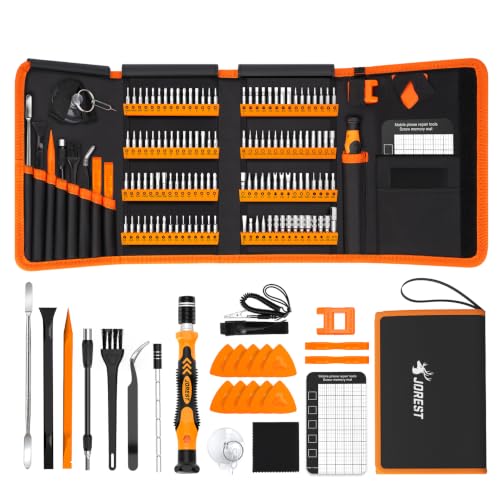
JOREST 145 in 1 Precision Screwdriver Set
Useful if you are opening laptops, desktops, consoles or small electronics and want the anti-static basics before touching components.
Check on AmazonFrequently Asked Questions
Is 32GB overkill?
Not for creators, streamers, developers, and heavy multitaskers. For casual users, 16GB is usually enough.
Does RAM improve FPS?
Only if the system is memory constrained. If the GPU or CPU is the limit, more RAM will not fix the frame rate.
Is DDR5 worth buying?
Yes if you are building a modern PC around a DDR5 platform. Existing DDR4 systems do not need a full rebuild just to chase DDR5.
Can I mix RAM brands?
Sometimes, but matched kits are recommended for stability, speed profiles, and fewer weird troubleshooting nights.
MediaBoxEnt Take
RAM upgrades are one of those PC moves that feel powerful because the number gets bigger. But the smarter play is finding the actual bottleneck first. If your memory is full, upgrade it and enjoy the difference. If it is not full, do not buy 64GB just to watch Windows boot at the same speed with a more expensive Task Manager screenshot.
For most people in 2026, 16GB is the floor, 32GB is the comfortable sweet spot, and 64GB is where you should have a real workload to justify it. Measure first. Spend second. Your PC will thank you.
The Bottom Line
More RAM can transform a PC that is constantly running out of memory. But once you have enough, adding more delivers little or no visible speed boost. Before buying, check your memory usage, identify the real bottleneck, and put the upgrade money where it changes the experience.
Comments
Comments
Join the conversation below.
Hot take: is 32GB the new normal, or are people buying RAM because it is easier than diagnosing the real bottleneck?