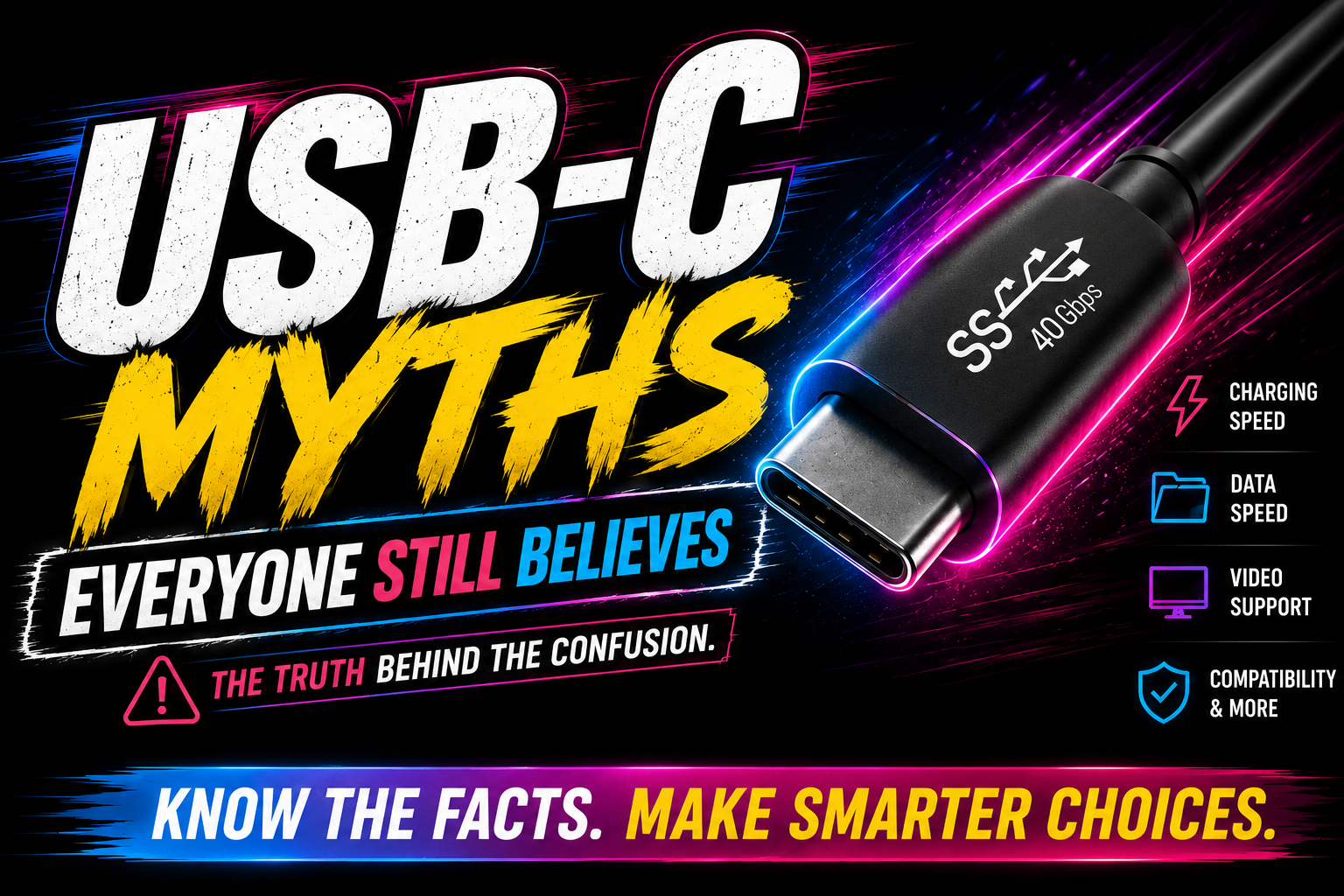
Myth 1: Every USB-C Cable Is the Same
This is the big one. Two USB-C cables can look almost identical while supporting completely different features inside.
One cable may only charge. Another may transfer files at USB 2.0 speed. Another may support 40Gbps data, external displays, high-wattage charging and a docking station.
The connector is standardized. The capabilities inside the cable are not automatically the same.
Myth 2: USB-C Automatically Means Fast Charging
USB-C can support fast charging, but it does not guarantee it. Charging speed depends on the full chain: your device, your charger and your cable.
If one part is limited, everything drops to the lowest supported level. That is why a laptop may charge slowly even when the cable fits perfectly.
- Basic cables may be fine for phones but weak for laptops.
- Many laptops need 60W, 100W, 140W or more depending on the model.
- USB Power Delivery 3.1 can support up to 240W when the entire chain supports it.
Myth 3: Any USB-C Port Can Run a Monitor
This one creates a lot of returns. A user buys a USB-C monitor or dock, connects it to a laptop, and nothing appears on the screen.
The problem is not always the cable. Some USB-C ports only support power and data. Video usually requires DisplayPort Alt Mode, Thunderbolt or a compatible USB4 implementation.
Before buying a dock or monitor, check your laptop specs for USB-C video output. If the spec sheet does not mention video, do not assume it works.
Recommended article
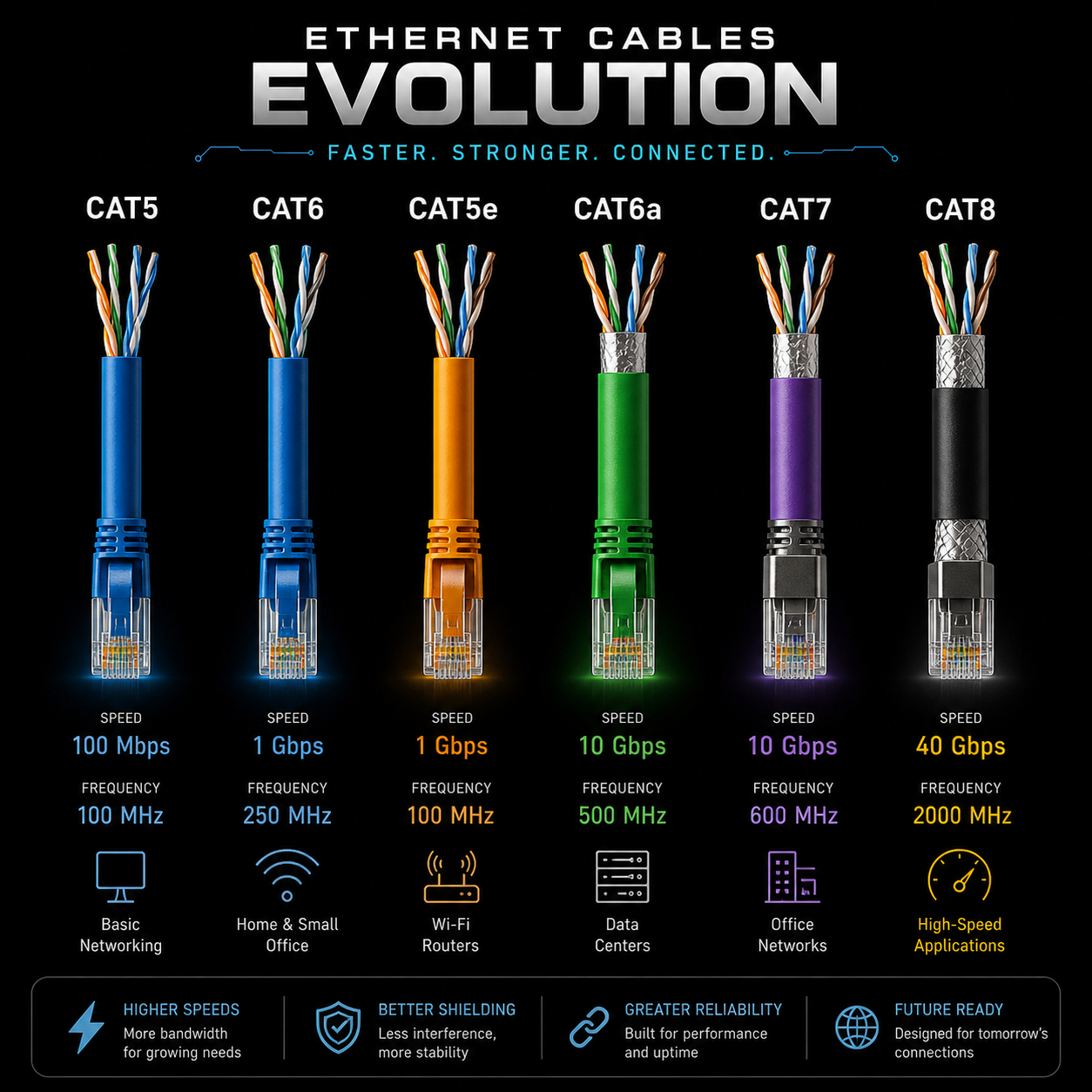
Ethernet Cables Explained
If cable labels confuse you, Ethernet has the same energy: Cat5e, Cat6, Cat6A, Cat8, speed claims and real-world limits.
Read postMyth 4: Thunderbolt and USB-C Are the Same Thing
Thunderbolt can use the USB-C connector, but Thunderbolt and USB-C are not the same thing. USB-C is the physical connector. Thunderbolt is a higher-performance technology that can run through that connector on supported devices.
Thunderbolt matters more when you are using docks, high-speed SSDs, creator workstations or multi-monitor setups. For basic phone charging, it is usually overkill.
Myth 5: More Expensive Always Means Better
A premium Thunderbolt cable is not automatically the right buy. If you only need a nightstand phone charger, you may never use that extra bandwidth.
But buying the cheapest cable for an external SSD, USB-C dock or monitor can create slow transfers, disconnects or no video output. The smart move is matching the cable to the job.
Myth 6: USB4 Makes Everything Compatible
USB4 improves the situation, but manufacturers can still vary in bandwidth, display support and optional features. Two products can say USB4 and still behave differently.
That is annoying, but it is reality. Read the product page for bandwidth, display support, Thunderbolt compatibility and Power Delivery ratings.
Myth 7: Cable Length Does Not Matter
Longer cables are convenient, but high-speed data and stable video are harder to maintain over distance. For simple charging, length usually matters less. For docks, monitors and external SSDs, certified length matters a lot more.
How to Buy the Right USB-C Cable
| Need | What to check |
|---|---|
| Phone charging | USB-C Power Delivery, reliable brand, clear wattage rating. |
| Laptop charging | 60W, 100W, 140W or 240W depending on your laptop. |
| External SSD | USB 3.x, USB4 or Thunderbolt speed rating. |
| USB-C monitor | Video support, DisplayPort Alt Mode, USB4 or Thunderbolt. |
| Docking station | Host compatibility, display support, power delivery and bandwidth. |
| Travel cable | Durability, correct wattage, reasonable length and clear labeling. |
Amazon Picks for USB-C Setups
These are practical USB-C accessories for the situations covered above. Check current price, compatibility, seller and warranty before buying.
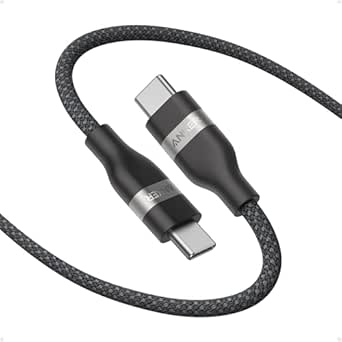
Anker 240W USB-C Braided Charging Cable
Good for users who need a high-power USB-C cable for compatible laptops, tablets and chargers.
Check on Amazon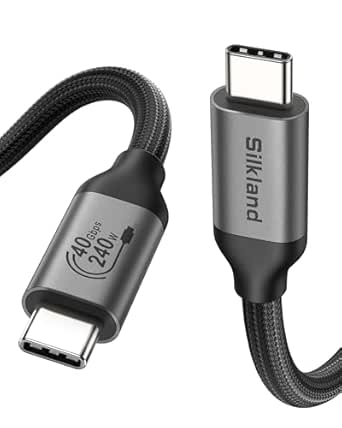
Silkland Thunderbolt 4 Cable
A better fit for docks, fast storage and display setups where Thunderbolt compatibility matters.
Check on Amazon
Amazon Basics 100W USB-C Charger
A multi-port charger option for desks, travel bags and laptops that support USB-C Power Delivery.
Check on Amazon
UANTIN Multi-Port USB-C Hub
Useful when you need ports for HDMI, USB accessories and everyday laptop expansion.
Check on AmazonFrequently Asked Questions
Is USB-C the same as USB4?
No. USB-C is the connector. USB4 is a data and feature standard that uses the USB-C connector on compatible devices.
Can any USB-C cable charge a laptop?
Some can, but not all. Your charger, cable and device all need to support the wattage your laptop requires.
Why does my USB-C cable charge but transfer files slowly?
It may be a charging-focused cable or a USB 2.0 cable. Many inexpensive USB-C cables charge fine but move data slowly.
Why does my USB-C monitor not work?
Your laptop port may not support video output over USB-C. Check for DisplayPort Alt Mode, Thunderbolt or USB4 display support.
MediaBoxEnt Take
USB-C is great, but the industry made it way too easy to confuse connector shape with actual capability. The port fitting does not mean the cable can handle your laptop, your monitor, your dock or your external SSD.
The smart rule is simple: buy USB-C by specification, not by shape. Check wattage, data speed, video support, cable length and certification before spending money.
The Bottom Line
USB-C is not the problem. The problem is assuming every USB-C cable and port does the same thing. Once you understand charging, data, video, USB4 and Thunderbolt as separate features, buying the right cable becomes much easier.
Comments
Comments
Join the conversation below.
Hot take: is USB-C actually simple, or did the industry just hide the confusion behind one connector?