
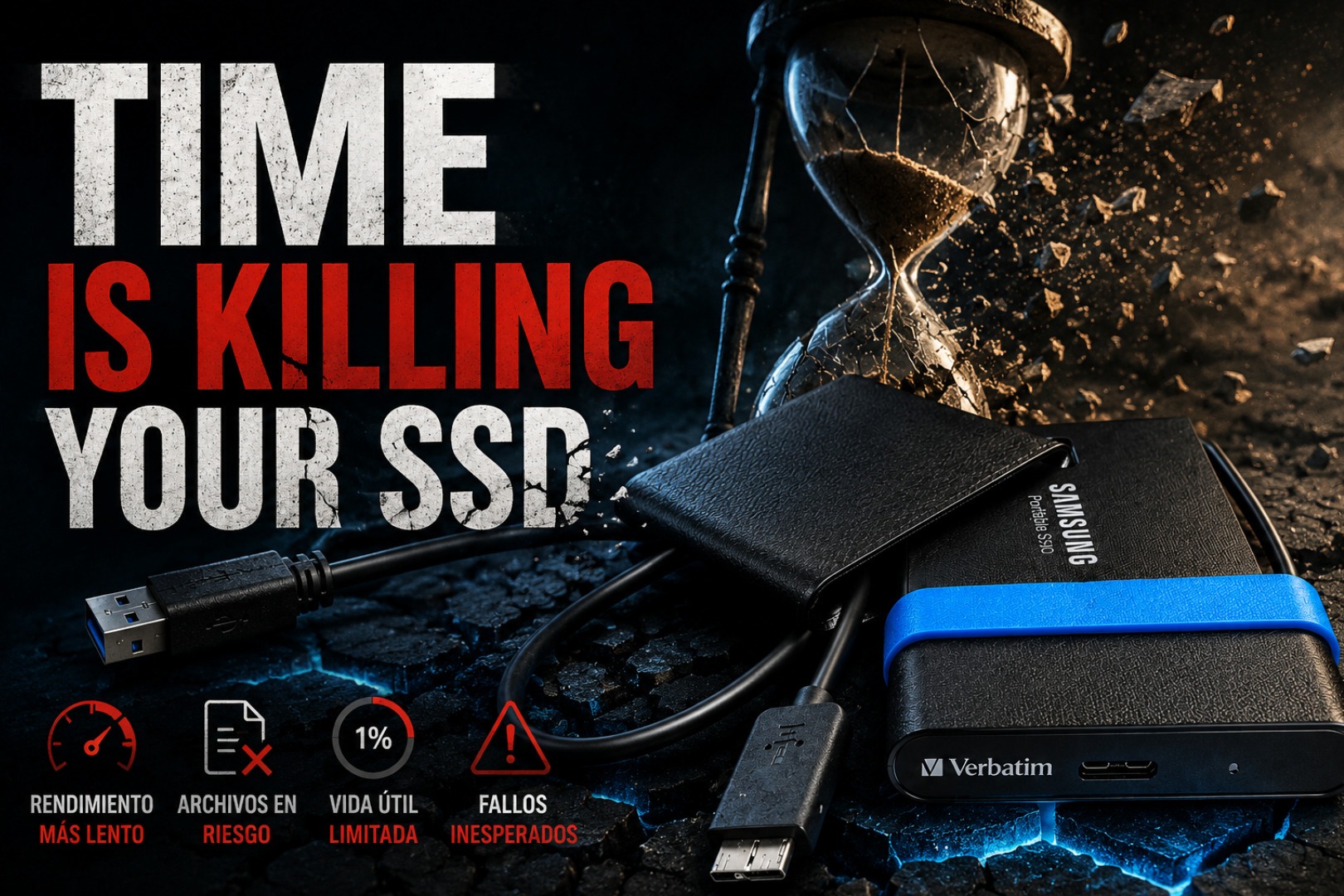
SSDs Don't Store Data Like Hard Drives
A hard drive records information magnetically on spinning platters. An SSD uses NAND flash cells, where different electrical charge levels represent data. NAND is nonvolatile, so it does not need constant power—but those charge levels are not perfectly permanent.
Picture millions of tiny cups holding carefully measured amounts of water. If the level changes enough, the controller can no longer tell which value the cell was supposed to represent. Error correction can recover many weak bits, but it has limits.
No moving parts does not mean permanent storage. It only removes mechanical failure modes.
The Risk Is Real—But It Is Not Instant
Some online warnings make it sound as if an SSD will forget everything after a few unplugged months. That is misleading. Industry endurance testing for client SSDs has historically included a one-year power-off retention target at the end of rated endurance under specified conditions. A lightly used drive stored at normal room temperature may retain data much longer.
The important phrase is under specified conditions. No honest source can promise that every drive, at every wear level, in every drawer, will preserve every file for an unlimited number of years. Retention depends on the NAND type, previous writes, temperature, controller and manufacturing quality.
Powering a drive lets its controller read data, apply error correction and perform whatever background maintenance its firmware supports. But simply connecting it for a few minutes is not a universal guarantee that every stored cell was rewritten. For valuable archives, connect the drive, read and verify the files, and refresh or migrate the copy when needed.
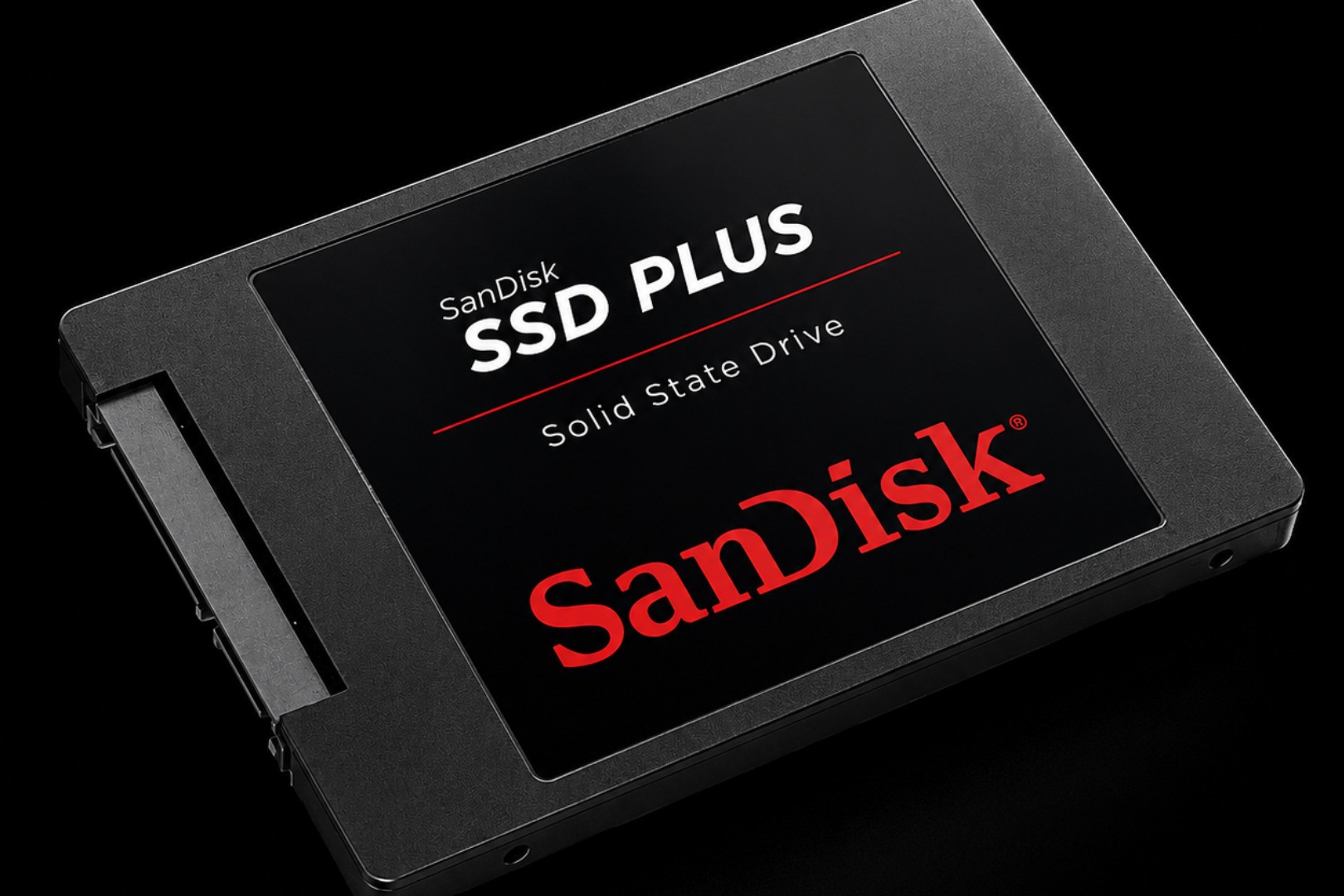
Heat, Wear and Drive Class Change the Equation
Heat accelerates retention loss
High storage temperatures speed up the physical mechanisms that weaken charge retention. A climate-controlled room is far safer than an attic, garage or parked car. Humidity and direct sunlight add more avoidable risk.
Worn NAND holds charge less confidently
Every program/erase cycle causes microscopic wear. A heavily written SSD near its endurance rating may have less offline-retention margin than a lightly used drive, even if SMART still reports that the device is operational.
Enterprise does not mean shelf archive
Enterprise SSDs are designed for powered data-center workloads, strong error handling and predictable endurance. Their qualification assumptions differ from client drives; “enterprise” is not a promise of indefinite retention in a drawer.
Recommended article
Should Your NAS Drives Sleep?
Long-term storage is not only about the drive. See how spin-down, always-on services and backup workloads affect a NAS strategy.
Read postThe Drawer Backup Is the Dangerous Part
The classic failure story is simple: copy every important file to one portable SSD, label it “Backup,” leave it in a drawer for five years and assume it will be perfect. Sometimes it is. Sometimes a folder, photo or video is unreadable. The core mistake is not choosing an SSD—it is trusting one dormant copy.
The 3-2-1 rule remains the practical answer:
- 3 copies of important data.
- 2 different storage types, such as SSD plus HDD or NAS.
- 1 off-site copy, such as encrypted cloud storage or another physical location.
Cloud storage is useful, but it is not magic. Account compromise, accidental deletion, subscription problems and policy changes are reasons to keep another independent copy.
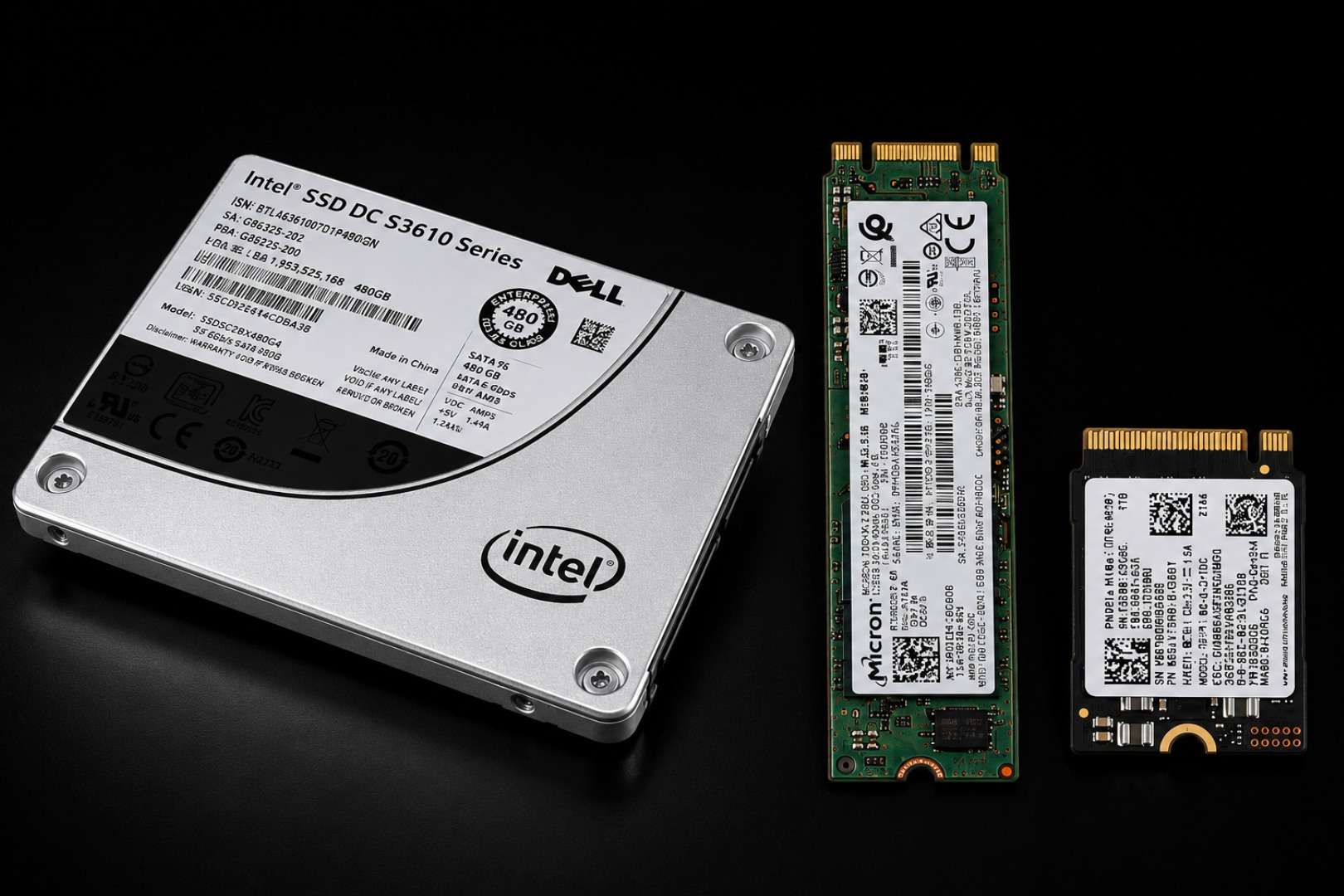
SSD vs HDD vs NAS vs Cloud
| Option | Best at | Main limitation |
|---|---|---|
| SSD | Speed, silence, portability and shock resistance | Not ideal as the only indefinite unpowered archive |
| HDD | Low cost per terabyte and large offline backups | Mechanical failure and impact sensitivity while running |
| NAS | Automatic, centralized and versioned backups | Needs maintenance; RAID alone is not a backup |
| Cloud | Off-site disaster recovery and access anywhere | Ongoing cost, account risk and provider dependence |
How to Use an SSD as Part of an Archive
- Check it every 6 to 12 months. Connect it and actually read a representative set—or all—of the files.
- Verify integrity. Checksums can show whether files changed silently; file-opening tests are better than seeing folder names.
- Keep it cool and dry. Avoid garages, attics, cars, direct sun and condensation.
- Review SMART health. Look at remaining life, media errors and warnings, while remembering SMART cannot predict every failure.
- Refresh or migrate. Rewrite verified data to healthy media or replace aging storage instead of waiting for a failure.
- Keep independent copies. The maintenance schedule is not a substitute for 3-2-1.
Amazon picks
Storage Options for a Better Backup Setup
These drives are useful for active storage and extra backup copies—not as a single permanent vault. Check the current seller, warranty, capacity and compatibility before buying.

SanDisk Extreme Portable SSD 2TB
A compact USB-C option for portable work and an additional fast copy. Keep updated firmware and never make it your only backup.
Check on Amazon
2TB USB 3.2 Gen 2 Portable SSD
A high-throughput portable option aimed at backups, creator files and large transfers. Confirm the brand, seller and warranty before ordering.
Check on Amazon
fanxiang S101 1TB SATA SSD
A budget 2.5-inch SATA option for upgrading an older PC or adding another local copy. It still needs a second independent backup.
Check on Amazon
Samsung 990 PRO 2TB NVMe
A performance-focused PCIe 4.0 drive for active workloads, gaming and fast local backups—not a reason to skip the 3-2-1 rule.
Check on AmazonQA: Frequently Asked Questions
Can an SSD lose data while unplugged?
Yes, eventually. NAND stores charge that can weaken over time. The risk varies greatly with temperature, wear, NAND type and drive design; it is not an instant countdown for every SSD.
Is powering it on every year enough?
It is a useful check, not a guarantee. Read and verify the files, inspect health information and migrate or rewrite the archive when appropriate.
Are HDDs always better for archives?
No medium is failure-proof. HDDs avoid NAND charge-retention limits and are cost-effective for large offline copies, but they introduce mechanical risks. Using different media is safer than betting on one.
Is one backup enough?
No. A backup that exists on only one device is still a single point of failure.
MediaBoxEnt Take
The scary version of this story says your SSD is a ticking time bomb. The useful version says something simpler: an SSD is a tool, not a vault. It is fantastic for active storage, portable work and fast backups. It is a poor excuse for a complete archival plan when it is the only copy in a forgotten drawer.
Do not panic over an SSD that has been unplugged for months. Do stop treating any single drive as immortal. Verify it, duplicate it and keep one copy somewhere else.
The Bottom Line
Fast storage is not permanent storage. Keep SSDs cool, verify dormant archives, migrate aging media and follow 3-2-1. The question is not whether storage can fail; it is whether another verified copy exists when it does.
Technical context: See Kingston's overview of SSD retention myths and Solidigm's application note on SSD data retention and temperature.
Comments
Comments
Join the conversation below.
Hot take: would you trust one unplugged SSD with the only copy of your family photos?