
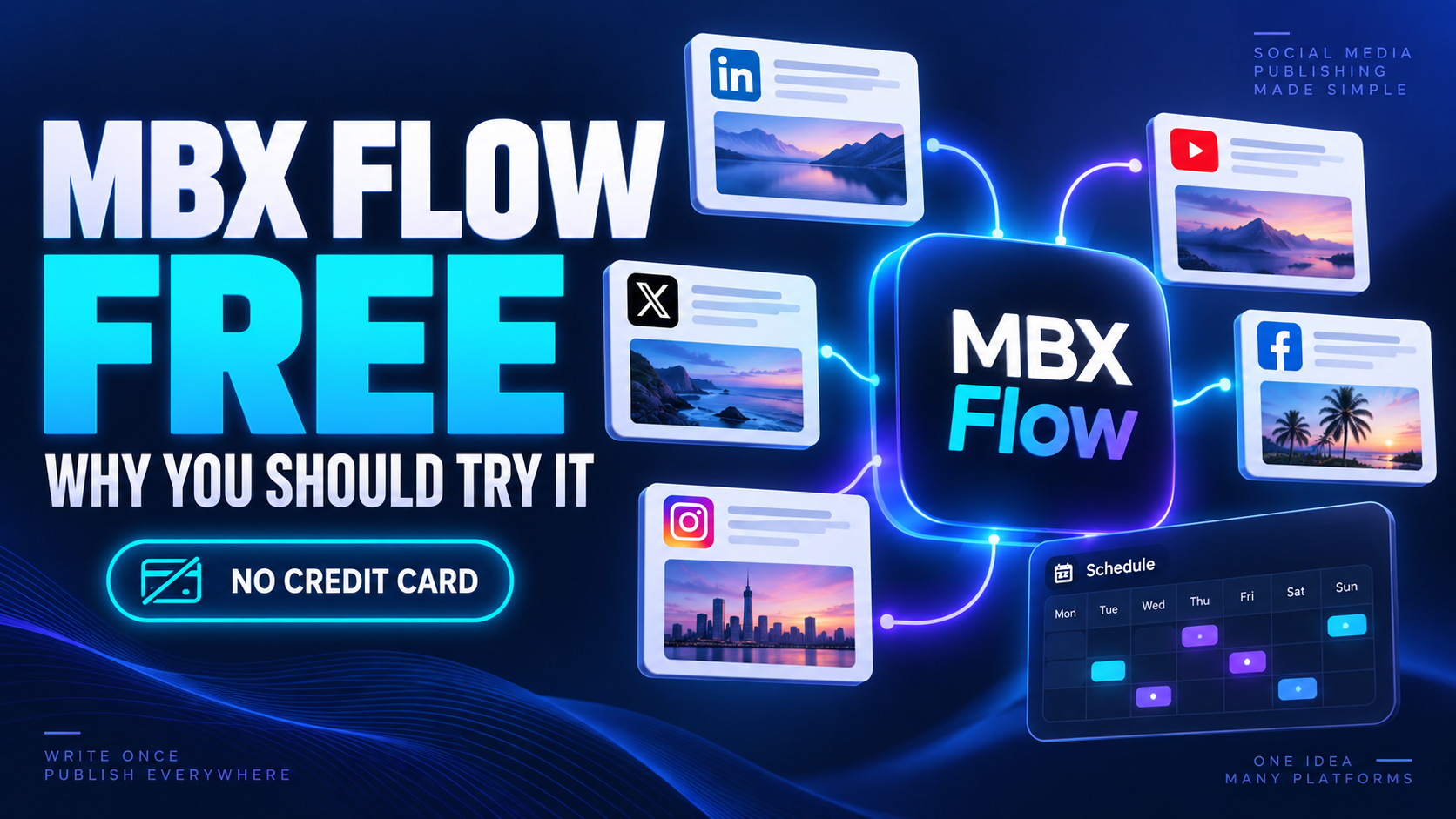
Why give MBX Flow a try?
You finish an article, a video or a product announcement. Then comes the repetitive part: opening tabs, finding accounts and preparing the same message again. That is time you could spend making the next thing.
MBX Flow is a social publishing platform for brands and artists. Start with the free plan before deciding whether a paid plan fits your needs.
Watch: publish to multiple social networks with MBX Flow
Follow Dario through a real post: import an article, choose an image, prepare hashtags and a first comment, select your accounts, then publish now or schedule for later.
Video in English. First-comment support varies by network. Timing recommendations need posting history to be useful.
Watch on YouTube →Watch: automatic Twitch live announcements with MBX Flow
Connect your Twitch channel, customize the announcement, choose a fixed image or a capture from your stream, and select the social accounts where it will be published. MBX Flow checks every 5 minutes whether you are live and automatically shares the announcement.
Video in Spanish. Detection happens on the next check, so the announcement may take up to 5 minutes after your stream starts.
Watch on YouTube →Watch: automatically promote YouTube videos with MBX Flow
Add the YouTube channels you want to monitor and choose your social accounts. When a new video appears, YouTube Auto Promotion writes and schedules a post to promote it across the accounts you selected.
Video in Spanish. Set up your channels and destination accounts once, then let MBX Flow handle promotion of new videos.
Watch on YouTube →From idea to published post
Prepare a post in one composer and choose its destinations.
Schedule content before your day gets busy.
Ideas, drafts and templates help you start the next post.
RSS, Evergreen and Smart Revival support repeatable workflows on eligible plans.
Does it make your routine easier? Try one small workflow. You do not need to rebuild your entire content strategy to find out.
What could your next week look like?
Think of these as starting ideas, not promises of instant results. Choose the example closest to your work and try a small version with the tools available in your plan.
You have a review ready. Prepare a short announcement, choose the main point worth sharing and send people to the full video. Later, turn a useful detail into a second post with a different angle.
Instead of repeating a sales pitch every day, plan a useful tip, an answer to a common customer question and a product announcement. Give each post one clear purpose.
Build a simple sequence: introduce the release, share a piece of its story and invite people to listen when it is out. Keep the title, date and destination link consistent across your announcements.
Agree on the message before opening the publishing tools. Prepare the content in batches, check every destination and review what people responded to before planning the next batch.
The point is to make publishing a routine you can sustain. A smaller plan you actually follow is more useful than a calendar full of posts you never finish.
Yes, there is a free plan
No card. No expiry. MBX Flow offers a Free plan alongside paid plans.
Free does not mean every feature is unlimited. Check the current plan details for account limits and included tools, especially for automation and advanced analytics.
Create, organize, publish, learn
MBX Flow offers drafts and templates, a publishing calendar and post performance tools. Brand groups help separate accounts. Availability and limits depend on your plan; check those before building a workflow around a specific feature.
Start with the message. What should someone understand, watch or do after reading your post? Write that first. Then choose the image, destination and timing that support it.
Adapt instead of repeating blindly. A short announcement and a longer explanation can lead to the same article. Keep the core idea, but make the wording useful for the people who will see it.
Review the next step. After publishing, ask which topic generated questions and which invitation was clear. Use that feedback to improve the next post, rather than treating every publication as a task you simply tick off.
Who should take a look?
Creators: spend your attention on the next video. Small businesses: make room for content in a busy week. Teams: evaluate a shared publishing workflow.
A tool cannot choose your voice or make a weak idea interesting. Its job is to reduce the busywork so your attention stays on the message.
Your first experiment: one real post
Visit MBX Flow, create your free account and explore the workspace. Pick one piece of content you already want to share. Check your plan’s available tools and use that small test to judge whether the workflow suits you.
- Create your free account. Visit MBX Flow and choose the Free plan. You do not need a card to start.
- Choose one goal. A video announcement, a useful tip or a release update is enough for your first test.
- Check your available tools. Review your plan and connect the accounts you want to use within its limits.
- Prepare and review. Check the wording, image and link before sending or scheduling anything.
- Decide from experience. Was the process clearer? Would you use it again next week? Let that answer guide your next step.
QA: before you start
Is MBX Flow free?
There is a free plan, with no credit card or expiry. Paid plans offer additional capacity and tools.
Do I need to install a server?
No. MBX Flow runs as an online service.
Will it guarantee more views?
No. Results depend on your content, audience and each network.
Is this useful if I do not make music?
Yes. Social publishing is also useful for businesses, creators and teams. The Artists offering is optional; check its separate terms if you need music-specific tools.
MediaBoxEnt Take
We are building MBX Flow because publishing should not eat the time you need to create. Start small, try the free plan and judge it by the work it saves in your own week.
Send it to your network. Pass this article to someone who needs the context. What takes longer: creating the post or sharing it everywhere?
Product information checked on October 9, 2026. Official sources:
MBX Flow · Features · Plans