The “Macs don't get viruses” myth will not die
macOS includes strong security controls, but it is not immune to malware. That old myth creates exactly the kind of false confidence cybercriminals want.
CrashStealer is the latest reminder. Instead of breaking through every defense, it makes the victim believe a malicious program is an official Apple component.
What is CrashStealer?
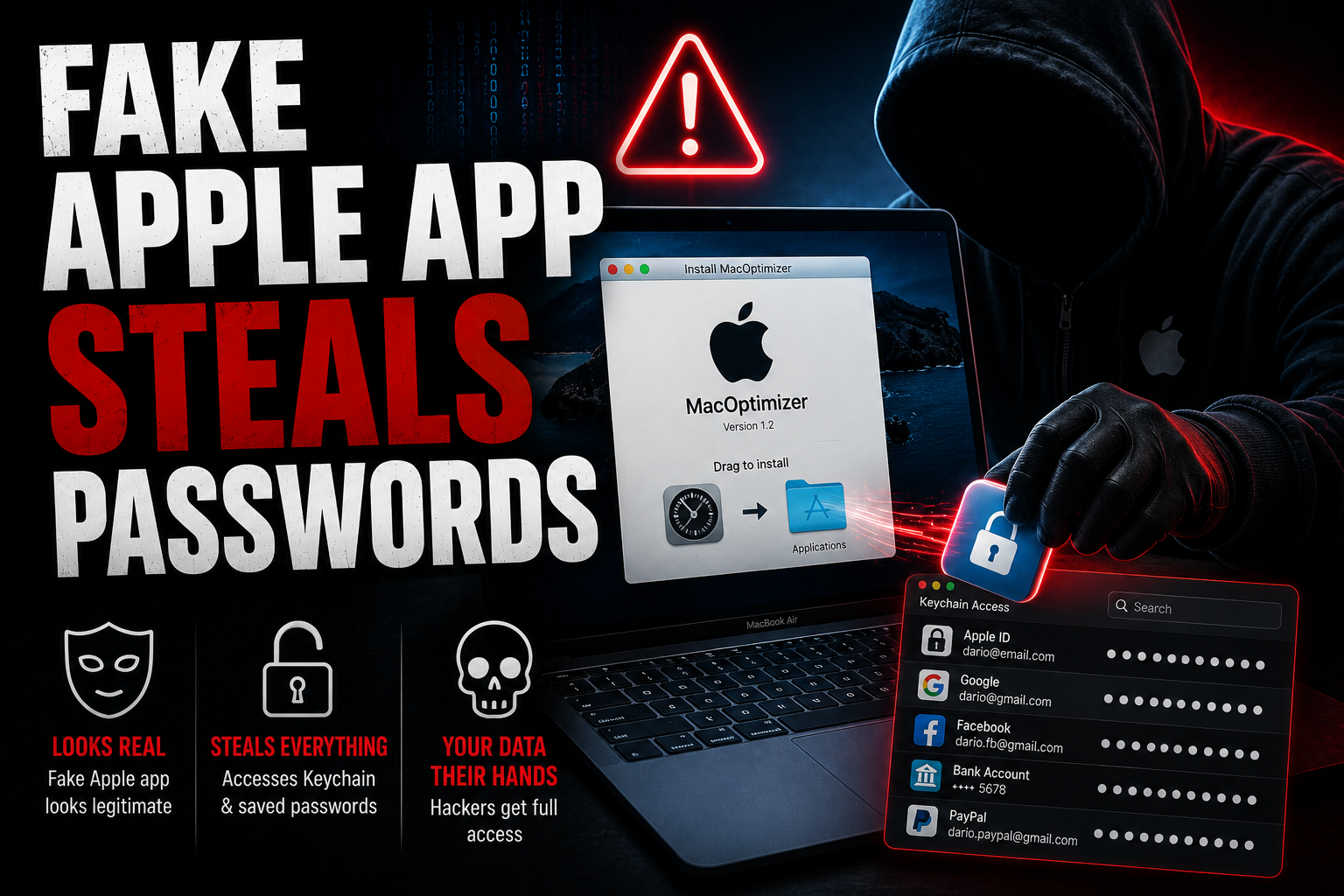
CrashStealer is an information-stealing malware family for macOS. It impersonates CrashReporter, the legitimate Apple component used when apps crash.
The malicious app copies Apple-style names, icons, metadata and system-process conventions. Jamf Threat Labs says the payload also creates a LaunchAgent named com.apple.crashreporter.helper, helping it look legitimate and persist after login.
You never need to download Apple's CrashReporter from the web. It is already part of macOS.
The scary part: the installer passed an Apple security check
Gatekeeper normally checks downloaded apps and blocks software that is not trusted. In this campaign, the attackers distributed the payload through a signed and Apple-notarized installer called “Werkbit Setup.”
That does not mean Apple approved CrashStealer. Notarization is an automated screening process, not a permanent guarantee that an app is safe. The attackers got the installer through before the certificate was revoked, allowing it to open without the warning many users expect.
How one password unlocks the attack
The password prompt is the turning point. Once the victim types the Mac login password, the malware can use it to unlock the login Keychain, where macOS stores website credentials, Wi-Fi passwords, certificates and app secrets.
What can CrashStealer steal?
Researchers found broad collection capabilities aimed at valuable account and financial data:
- Apple Keychain passwords and certificates.
- Browser credentials and cookies from Chrome, Chromium-based browsers and Firefox.
- Data from 14 password managers, including 1Password, LastPass and Dashlane.
- Information from more than 80 cryptocurrency wallet extensions.
- Selected files from folders such as Documents and Downloads.
The collected files are encrypted, packed into hidden archives and uploaded to infrastructure controlled by the attackers.
How victims are tricked
The campaign used convincing websites for fake collaboration or meeting tools. Some flows included an access PIN, a small detail that made the download feel like part of a private invitation instead of a random installer.
This is social engineering wrapped in professional design. Every step builds trust before the password prompt appears. No dramatic exploit is needed if the user willingly downloads the app, opens it and provides credentials.
How to protect your Mac
- Never download CrashReporter or another built-in Apple system component from a website.
- Get software from the Mac App Store or a developer's verified official website.
- Treat an unfamiliar app that requests your login password immediately after launch as a serious warning.
- Check the developer, download address and reputation independently before installing meeting or collaboration tools.
- Keep macOS and your security software updated. Apple can revoke certificates and ship new detections after threats are identified.
- For high-value crypto or business accounts, consider a separate device and hardware-backed protections.
If you installed the fake app
Disconnect the Mac from the network and do not use it to change passwords. Contact a trusted security professional or your organization's IT team so they can preserve evidence, remove persistence and decide whether the device should be erased and rebuilt.
From a separate clean device, change the Mac login password and every credential that may have been stored in Keychain, browsers or password managers. Revoke active sessions, rotate two-factor recovery codes and review accounts for unauthorized activity. If cryptocurrency secrets were exposed, follow the wallet provider's emergency guidance immediately.
QA: what Mac users need to know
Is CrashStealer an official Apple app?
No. It impersonates Apple's CrashReporter component. Apple does not distribute CrashReporter as a separate web download.
Did Apple intentionally approve the malware?
No. The malicious installer passed Apple's automated notarization process before it was identified. Signing and notarization improve trust, but they are not proof that software can never be malicious.
Can it steal every password on a Mac?
It can target a wide range of Keychain, browser and password-manager data, but the exact exposure depends on what is stored on the device, available permissions and the infection stage. “Every password” is a warning headline, not a guarantee about every system.
Does simply visiting the fake website infect a Mac?
The documented chain requires the victim to download and run the installer, then enter a password. Visiting a page alone is not the same as completing the attack.
Sources and further context
Jamf Threat Labs: CrashStealer research
MediaBoxEnt Take
Apple builds strong defenses, but no operating system can fully protect a person who is persuaded to authorize the wrong program.
CrashStealer is dangerous because it makes every step feel routine: a professional website, a familiar installer and a normal-looking password prompt. The best pause is also the simplest one: if an app you just downloaded asks for your Mac password, stop and verify why before typing anything.