
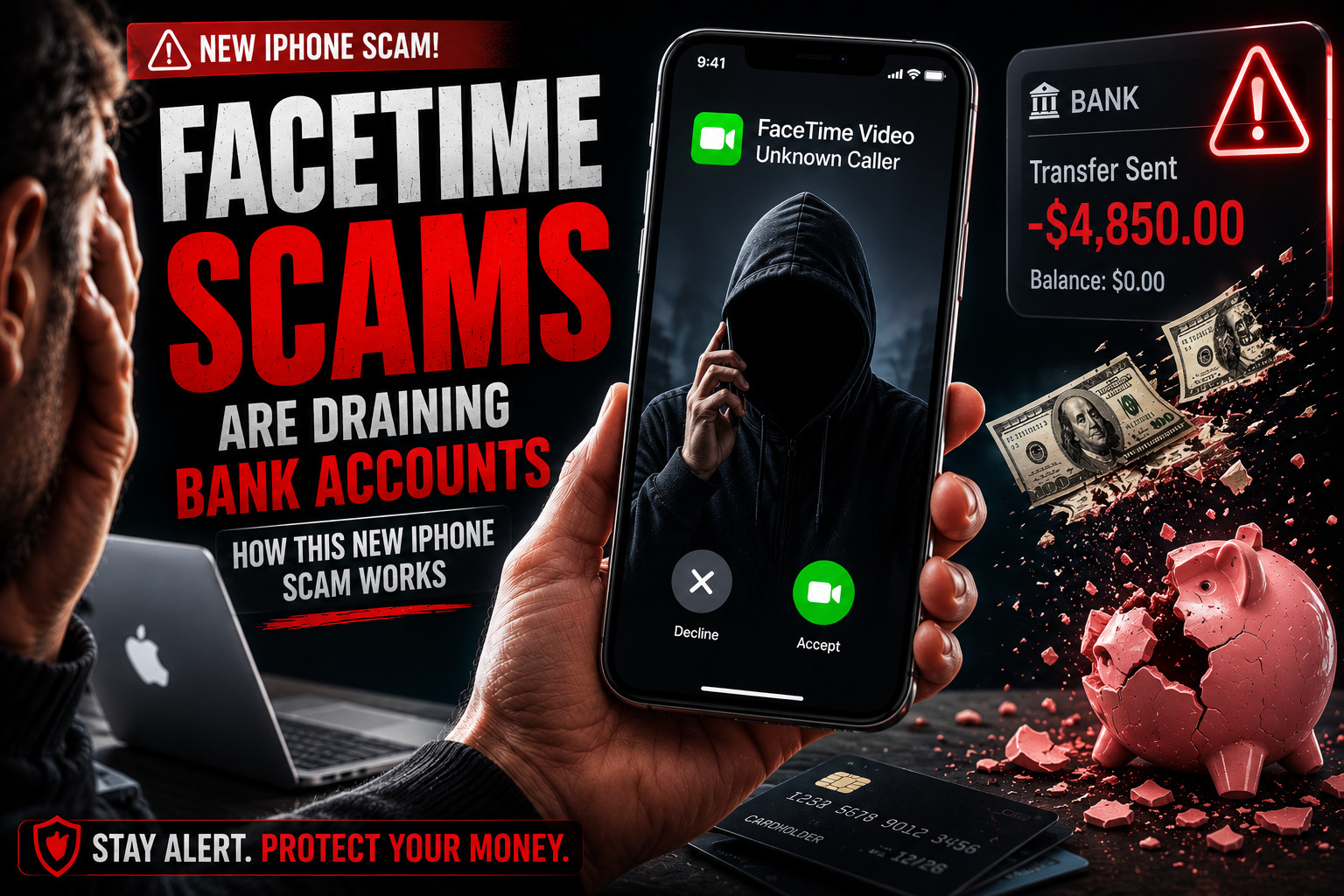
Your iPhone does not have to be hacked
Traditional scam calls often sound fake. FaceTime changes the psychology. People associate it with family, friends and coworkers, so a live video call can feel more personal and more credible than an unknown voice on the phone.
The attack exploits that trust. The criminal does not need sophisticated malware if fear and urgency can convince you to reveal the information voluntarily.
Why FaceTime makes the lie feel convincing
The caller claims to represent Apple Support, your bank or a fraud department. They may already know your name, address or partial account details from leaked or purchased data. That information sounds impressive, but it does not prove who is calling.
The story is built to trigger panic before you have time to verify it:
- Suspicious activity was detected on your account.
- Someone is trying to sign in to your Apple Account.
- Your debit card has been locked.
- A refund is waiting, but you must act now.
- You need to move money to a “safe” account.
How the FaceTime scam usually works
While watching in real time, the scammer can capture a username, password, account number or one-time code. A verification code is especially valuable because it may be the final key needed to enter an account and authorize a transfer.
If anyone asks for a verification code, stop. That code is for you—not for the person calling.
The biggest red flag: “Share your screen”
FaceTime can share what is displayed on your iPhone. That is useful with someone you trust, but dangerous during an unsolicited support or banking call. A scammer may watch you enter credentials, view account balances or expose security prompts.
A stranger asking you to open a banking app while your screen is visible should end the conversation immediately. Hang up first. Then contact the company through its official app, website or the number printed on your card.

Apple now has specific guidance for FaceTime fraud
Apple tells users to treat unexpected calls and requests for personal information as suspicious. It says Apple will never ask for an Apple Account password, device passcode or two-factor authentication code to provide support.
Apple also gives FaceTime users a dedicated reporting step: take a screenshot of the suspicious call information and email it to reportfacetimefraud@apple.com. Suspicious FaceTime links received in Messages or Mail can be reported to the same address.
Keeping iOS updated remains important for device security, but an update cannot prevent someone from voluntarily sharing a password or code. This attack is primarily about manipulation.
How to protect yourself
- Do not trust an unexpected FaceTime call because the caller looks professional or knows personal details.
- Never share your screen while opening banking, payment, email or password-manager apps for an unsolicited caller.
- Never read or send a one-time verification code. Do not approve a sign-in prompt you did not initiate.
- Never move money to “protect” it. The FTC says that instruction is a scam.
- Hang up and contact the bank through its official app or the number on the back of your card.
- Keep iOS and apps updated, use unique passwords and enable two-factor authentication.
If you already shared information or money
Move quickly. End the call, contact your bank's fraud department using a trusted number and explain exactly what you shared or transferred. Ask whether the transaction can be stopped or reversed.
Change affected passwords from a trusted device, beginning with your email and Apple Account. Review trusted devices, reject unknown sign-in attempts and confirm that two-factor authentication is active. Report the incident to Apple and to the FTC at ReportFraud.ftc.gov.
QA: what iPhone users need to know
Can answering a FaceTime call hack my iPhone?
This scam normally does not hack the phone simply because you answered. The danger begins when the caller persuades you to disclose credentials, share a screen, approve access or transfer money.
Can I trust the caller ID or video?
No. Names, numbers, backgrounds and personal details can all be faked or used to create false credibility. Verify the claim through a channel you choose yourself.
Will Apple ask for my password or verification code?
No. Apple says it never asks for an Apple Account password or verification code to provide support.
Where do I report a suspicious FaceTime call?
Apple says to email a screenshot of the call information to reportfacetimefraud@apple.com. You can also block the caller and report financial impersonation to the FTC.
Sources and further context
Apple Support: recognize and avoid social engineering scams
MediaBoxEnt Take
FaceTime is not the villain. Familiar technology becomes dangerous when a criminal uses it to manufacture trust and urgency.
The strongest defense is a habit: unexpected caller, unexpected problem, immediate hang-up. Verify the story through a number or app you already trust. A real bank can survive the delay. A scammer cannot.